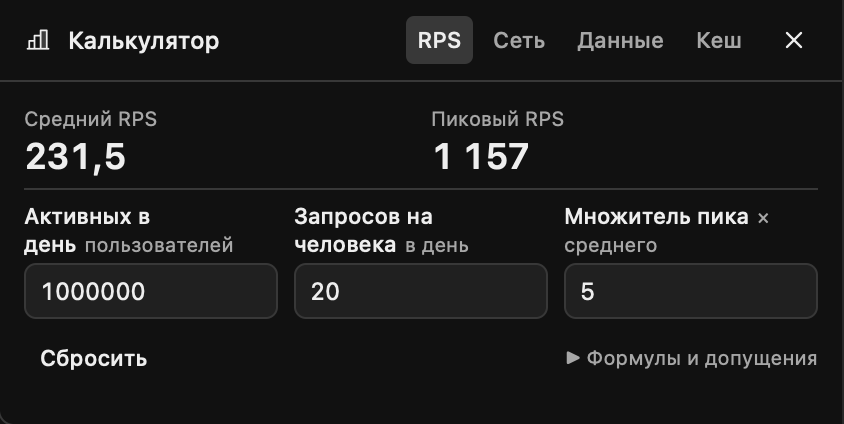
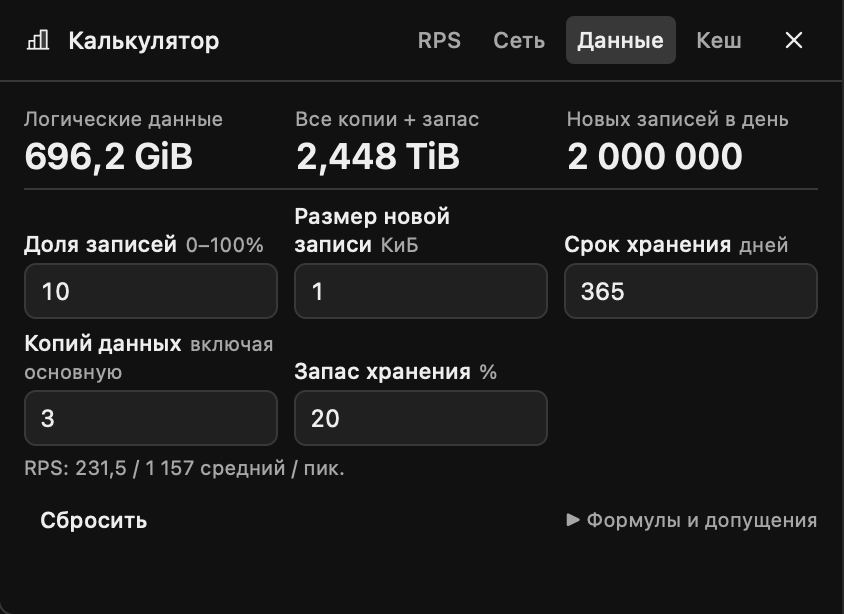
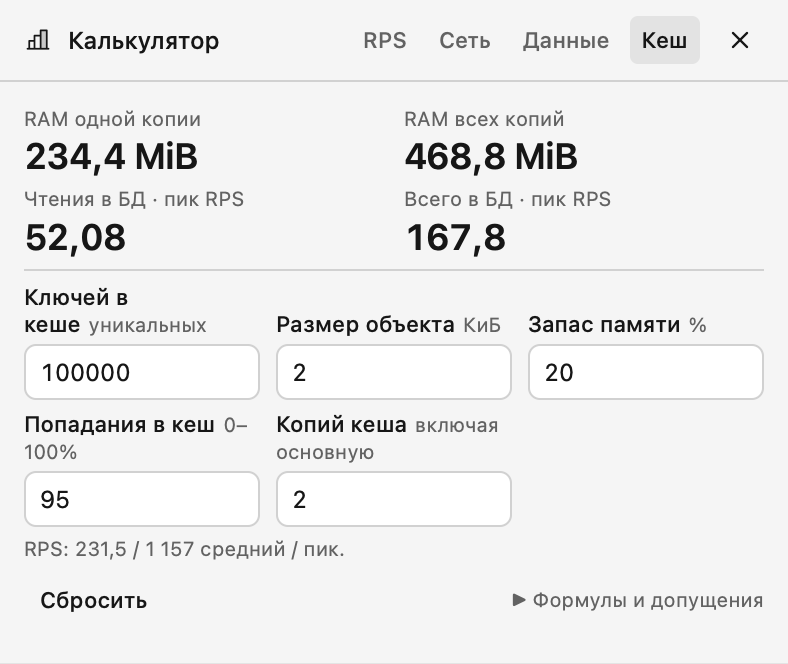
System Design Calculator
Estimate a system while discussing it in an interview. The calculator opens from a button in the meeting overlay toolbar into a resizable panel, alongside the conversation, System Design and notes. In a narrow window, the panel sits above the conversation.
What it calculates
- RPS: average and peak request rates from daily active users, requests per user and a peak multiplier.
- Network: peak ingress and egress bandwidth, plus daily outbound data.
- Storage: daily new records, logical retained data and capacity including copies and overhead.
- Cache: RAM per copy and in total, plus read/write load reaching the origin after cache hits.
The compact form shares the meeting panel background. The RPS, Network, Storage and Cache tabs sit in the panel header. Results update as you type. Empty, invalid or overflowing inputs are marked rather than silently becoming zero. Reset restores the defaults.
Payloads use KiB (1024 bytes), bandwidth uses Mbit/s (1,000,000 bits per second). Copy counts include the primary. Storage assumes every write creates a new retained record; cache hits reduce reads only. Formulas and other assumptions are available inside the panel. This is an arithmetic estimate, not a hardware benchmark.
Open and use
Install the plugin, open a meeting, and choose Calculator in the overlay toolbar. Its control can be moved or enabled in the Meeting Panel editor. English and Russian interfaces are included.
The plugin requests only overlay rendering. It does not access the clipboard, read interviews, call models, make network requests or save data. Closing and reopening the panel keeps its inputs during the same meeting. A new meeting, disabling or updating the plugin, or restarting the app resets them.